Embeddable Forms in 2026: Why Embedded Conversations Convert Better
TL;DR
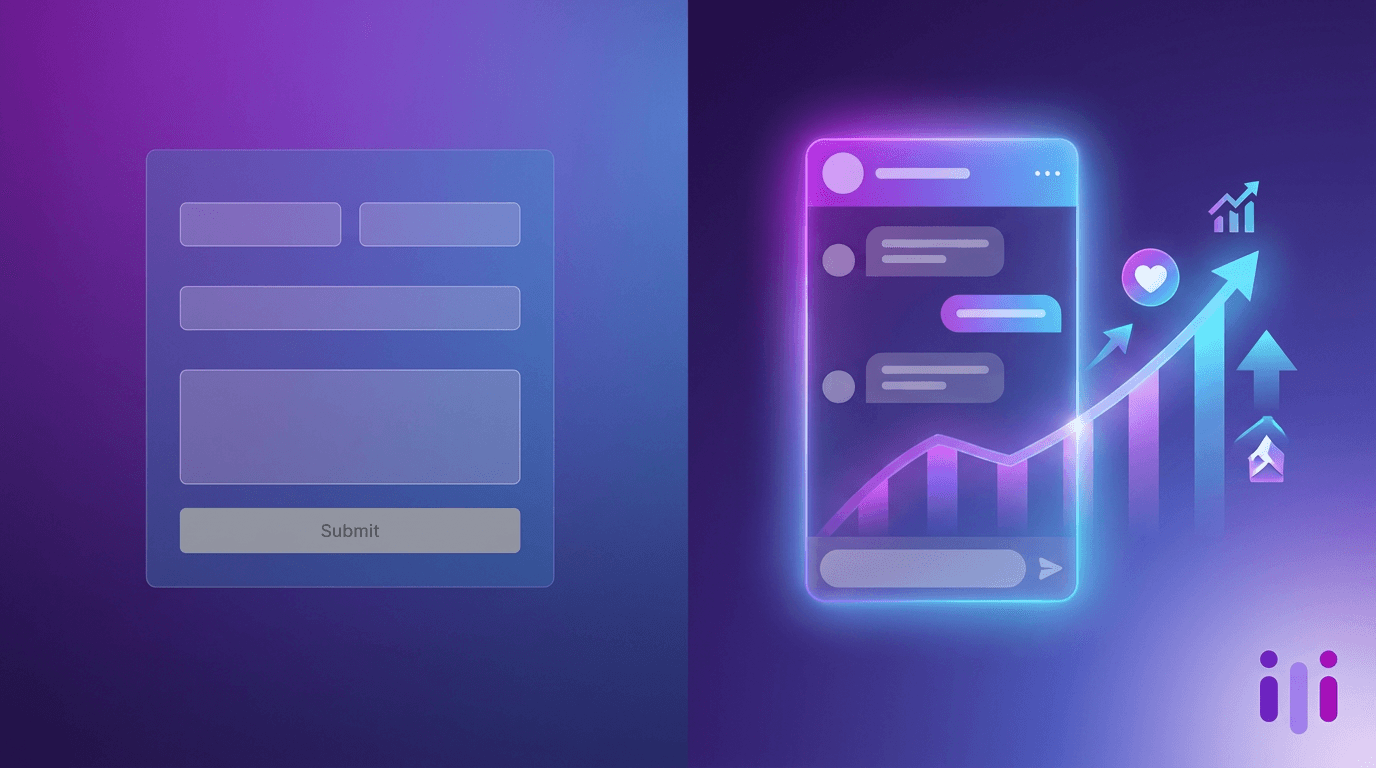
Embeddable forms still lose roughly two out of three visitors who start them — web form completion collapses from about 23% at three fields to under 7% at ten or more, per 2026 form-conversion benchmarks. The problem is not where the form lives but what it is: a static embedded form captures fields without context, so the highest-value answers ("it depends," "I'm not sure yet") never get recorded. An embedded conversation — inline, popup, slider, or chat — flips that dynamic by asking one adaptive question at a time, following up on vague answers, and explaining why each piece of information matters. Conversational capture lifts completion rates 30–40% over traditional forms in published studies, and it returns richer data because respondents speak in their own words instead of mapping themselves onto dropdowns. Perspective AI embeds an AI interviewer anywhere a form goes — same <script> tag, same four placements — but it gathers reasoning, not just rows. For most teams in 2026, the upgrade from an embedded static form is not a better form; it is an embedded conversation.
Why Embedded Forms Lose Most of the People Who Start Them
Embedded forms lose most starters because they front-load effort before the visitor sees any value. A person lands on your pricing page, clicks "Talk to sales," and is met with eleven fields — the average lead-generation form has 11, per HubSpot's form benchmarks — asking for company size, role, budget, and timeline before the page has done anything for them. The result is predictable: most leave.
The numbers are stark. The average form completion rate across industries hovers at 40–50%, which means roughly half of everyone who starts a form never finishes it. B2C lead-capture forms fare worse, abandoned around 72% of the time, and high-friction verticals like travel and finance push past 75–81%. Even individual fields bleed people: phone-number and email fields each drive measurable drop-off the moment they appear.
Embedding the form in a slick widget does not fix this. A popup, an inline block, and a slide-in panel are all just containers for the same static schema. You can A/B test button color and field order forever and still hit a ceiling, because the friction is structural. We made this argument in depth in our look at why multi-step forms leak: optimizing fields cannot fix a funnel whose core interaction is a wall of inputs. The teams that broke through did not redesign the form — they killed it.
There is a second, quieter cost. Even when an embedded form is completed, it captures fields, not context. A dropdown labeled "reason for contact" forces a messy human situation into a tidy category. The "why now," the constraint, the half-formed objection — the things that actually move a deal or a roadmap — have nowhere to go. That data-quality gap is the real tax of static intake, and it is why static intake forms keep killing conversion rate even when the completion math looks acceptable.
What an Embedded Conversation Is (and How It Differs From an Embedded Form)
An embedded conversation is an AI-driven intake experience you drop into a page that asks one adaptive question at a time, follows up on each answer, and adjusts the next question based on what the person just said — instead of presenting all fields at once. Where an embedded static form is a fixed schema, an embedded conversation is a dynamic interview that behaves like a knowledgeable person on the other side of the screen.
The difference shows up in three places:
- Sequencing. A form shows every field up front, so the task always feels as long as it is. A conversation reveals one question at a time, so a ten-question intake feels manageable — respondents never see the full length, which is a documented driver of higher completion.
- Adaptivity. A form's branching is limited to pre-built conditional logic. We covered the mechanics and limits of that approach in how conditional-logic forms actually work. An AI conversation goes further: it reads a free-text answer, notices it is vague or surprising, and asks a relevant follow-up no one had to script in advance.
- Output. A form returns rows. A conversation returns reasoning — quotes, intent, and the "why" behind the answer — which is the entire premise of conversational data collection.
This is the line Perspective AI draws between "AI forms" and an actual conversation. Bolting a chat skin onto a form is not the same thing; we argue the distinction in replacing forms with AI chat. The test is whether the system can probe an answer it did not anticipate. A decorated form cannot; an embedded interviewer can.
Why Embedded Conversations Convert Better
Embedded conversations convert better than embedded forms because they lower perceived effort while raising perceived value — and the published data backs it up. Studies of conversational, one-question-per-screen capture report 30–40% higher completion than traditional all-fields-at-once forms, with the largest gains on longer flows and lead-generation intake. SurveySparrow's own research puts conversational completion roughly 40% above static; more conservative studies land around 15–25%. We tracked the gap across our own customer base and watched the conversion gap between forms and conversations hit 4x in 2026.
The mechanism is straightforward:
- Lower upfront friction. One question feels answerable; eleven feels like work. Reducing visible fields is one of the most reliable conversion levers — cutting a lead form from 11 fields to 4 has been shown to lift conversions by over 100% — and a conversation effectively reduces visible fields to one at any moment.
- Value before ask. A conversation can acknowledge, react, and explain why a question matters before the next one, so effort and payoff stay balanced instead of stacked at the front.
- Recovery of the abandoners. When someone gives a short or uncertain answer, a form just records it; a conversation follows up and recovers signal that would otherwise be lost. This is the same pattern behind why in-app feedback widgets miss the why and why teams replacing lead forms with AI report both higher volume and better-qualified leads.
The data-quality dividend matters as much as the completion lift. A higher completion rate on a thin form just gives you more shallow rows. An embedded conversation raises completion and depth at the same time — which is why the shift is showing up everywhere from B2B onboarding to the broader move off the survey stack.
The Four Embed Placements — and When to Use Each
Embeddable conversations support the same four placements teams already expect from form builders: inline, popup, slider, and chat. The placement controls when and where the conversation appears; the conversational engine controls how well it captures. Here is how the formats compare and where each fits.
The strategic point: with a static form, switching from inline to popup just moves the same wall of fields around. With an embedded conversation, every placement inherits the same adaptive, follow-up-capable engine — so you choose placement purely on context and journey stage, not as a workaround for a low-converting form. For lead capture specifically, the placement-plus-conversation combination is what closes the gap that pure-form teams keep chasing, a pattern we mapped in what 100 SaaS funnels taught us about replacing forms with AI.
How to Embed a Conversation: A Getting-Started Walkthrough
Embedding a conversation works the same way as embedding a form — you copy a snippet and paste it where the form used to live — but you design an interview outline instead of a field list. Here is the low-commitment path.
Step 1: Define the outcome, not the fields. Before touching the embed, write down what decision the data will drive (qualify a lead, route an intake, understand a churn reason). Start an outline at the research builder and let the goal dictate the questions. This is the inverse of form design, where teams start from the database schema.
Step 2: Build the interview, not the schema. Replace "Company size [dropdown]" with "Tell me a bit about your team and what you're trying to solve." The AI interviewer agent handles the follow-ups, so your outline can be short — the depth comes from the conversation, not the field count. For a pure form-replacement intake, the concierge agent is purpose-built to capture lead and intake data conversationally.
Step 3: Pick a placement and grab the embed. Choose inline, popup, slider, or chat based on the page and journey stage from the table above, then copy the generated snippet. It drops into your site exactly where a form <script> or iframe would — no separate landing page required.
Step 4: Route what you capture. Decide what happens on completion — sync to CRM, alert a rep, branch by answer. Conversational capture pairs naturally with intelligent intake, which routes each respondent based on what they actually said rather than a single dropdown value.
Step 5: Start narrow, then expand. Replace one high-stakes embedded form first — your demo request or contact page, where every lost submission has a dollar value. The migration sequence and pitfalls are documented in the form-replacement playbook. Once the completion and data-quality lift is visible on one page, roll it across the funnel.
Results Teams Report After Switching
Teams that replace embedded static forms with embedded conversations consistently report two gains at once: more completions and deeper data. The completion lift tracks the 30–40% range seen in published conversational-form studies, but the more durable change is qualitative — sales and product teams stop receiving rows of dropdown values and start receiving the reasoning behind them.
The pattern repeats across industries. Product-led companies were the first to kill their lead forms and saw qualification improve. In regulated verticals, the same shift is underway: law firms moving from PDF intake forms to conversational triage, insurers fixing the quotes and claims that static forms lose, and healthcare practices replacing patient intake forms with AI. Enterprise teams hitting the limits of branching logic are documented in enterprise forms automation, where the workflow still leaks. The throughline: wherever an embedded form was the front door, an embedded conversation captures more people and more meaning.
This is why the upgrade keeps landing on the same recommendation across our comparison work, from conditional form builders to Jotform-style services to the best Google Forms alternative: the next step beyond a static embed is a conversational one. CX and product teams can see how it fits their stack on the pages built for CX teams and built for product teams.
Frequently Asked Questions
What are embeddable forms?
Embeddable forms are data-collection forms you place directly inside a web page or app using a snippet of code — typically inline, as a popup, as a slide-in, or as a chat widget — rather than hosting them on a separate page. In 2026, the term increasingly includes embeddable conversations: AI-driven intake that uses the same placements but asks adaptive, one-at-a-time questions instead of showing every field at once.
Do embedded conversations really convert better than embedded forms?
Yes. Published studies show conversational, one-question-at-a-time capture completes 30–40% more often than traditional all-fields-on-one-page forms, with the biggest gains on longer flows and lead-generation intake. The improvement comes from lower upfront friction and value delivered before each ask, plus the ability to follow up on vague answers that a static form would simply record and lose.
Can I embed a conversation the same way I embed a form?
Yes. An embedded conversation drops into a page with a code snippet exactly where a static form's <script> or iframe would go, and it supports the same four placements — inline, popup, slider, and chat. The difference is in setup: you design a short interview outline focused on the outcome rather than building a fixed list of fields.
Which embed placement converts best — inline, popup, slider, or chat?
The best placement depends on user intent and journey stage, not a universal ranking. Inline placement works well on high-intent pages like pricing and contact; popups suit exit-intent and campaign pages and commonly convert 3–9%; sliders fit long-scroll content without interrupting; chat suits always-on, ambient capture. With a conversation, every placement inherits the same adaptive engine, so you can choose purely on context.
What data do embedded conversations capture that forms miss?
Embedded conversations capture context, intent, and reasoning that static forms flatten into dropdowns. Because the AI follows up on free-text and uncertain answers, it records the "why now," the constraint, and the half-formed objection — the messy, high-value signal that drives real decisions. Forms return rows of field values; conversations return quotes and the reasoning behind them.
Conclusion: Stop Optimizing the Embedded Form — Replace It
Embeddable forms are not failing because they live in the wrong widget; they are failing because the static-form interaction loses most of the people who start it and flattens the ones who finish. With abandonment averaging around 68% and completion stuck near half, the ceiling is structural — and no amount of field reordering inside an inline block, popup, slider, or chat container will move it much. The teams pulling ahead in 2026 are not building better embeddable forms; they are embedding conversations that ask one adaptive question at a time, follow up on the vague answers, and return reasoning instead of rows.
Perspective AI is built for exactly this swap: the same four embed placements you already use, powered by an AI interviewer that captures the "why" a form never could — with 30–40% higher completion in line with what conversational capture delivers. Pick your highest-stakes embedded form — your demo request, your contact page, your intake flow — and replace it with a conversation. Start building your first embedded conversation, or see how intelligent intake routes every respondent by what they actually said.
More articles on AI Conversations at Scale
AI for CX: A 90-Day Rollout Sequence for Teams Starting From Surveys
AI Conversations at Scale · 14 min read
Survey-Based CX Measurement vs Conversational VoC: Why the Model Is Shifting in 2026
AI Conversations at Scale · 13 min read
Streaming & Media Customer Experience in 2026: Beating Subscriber Churn
AI Conversations at Scale · 12 min read
How Conversational AI Platforms Boost CSAT: A 2026 Buyer's Guide
AI Conversations at Scale · 13 min read
AI Tools for Customer Behavior Analysis in 2026, Compared
AI Conversations at Scale · 13 min read
Forms and Workflow Software in 2026: When to Upgrade to Conversations
AI Conversations at Scale · 16 min read