Jotform Alternative: Conversational Forms That Actually Convert
TL;DR
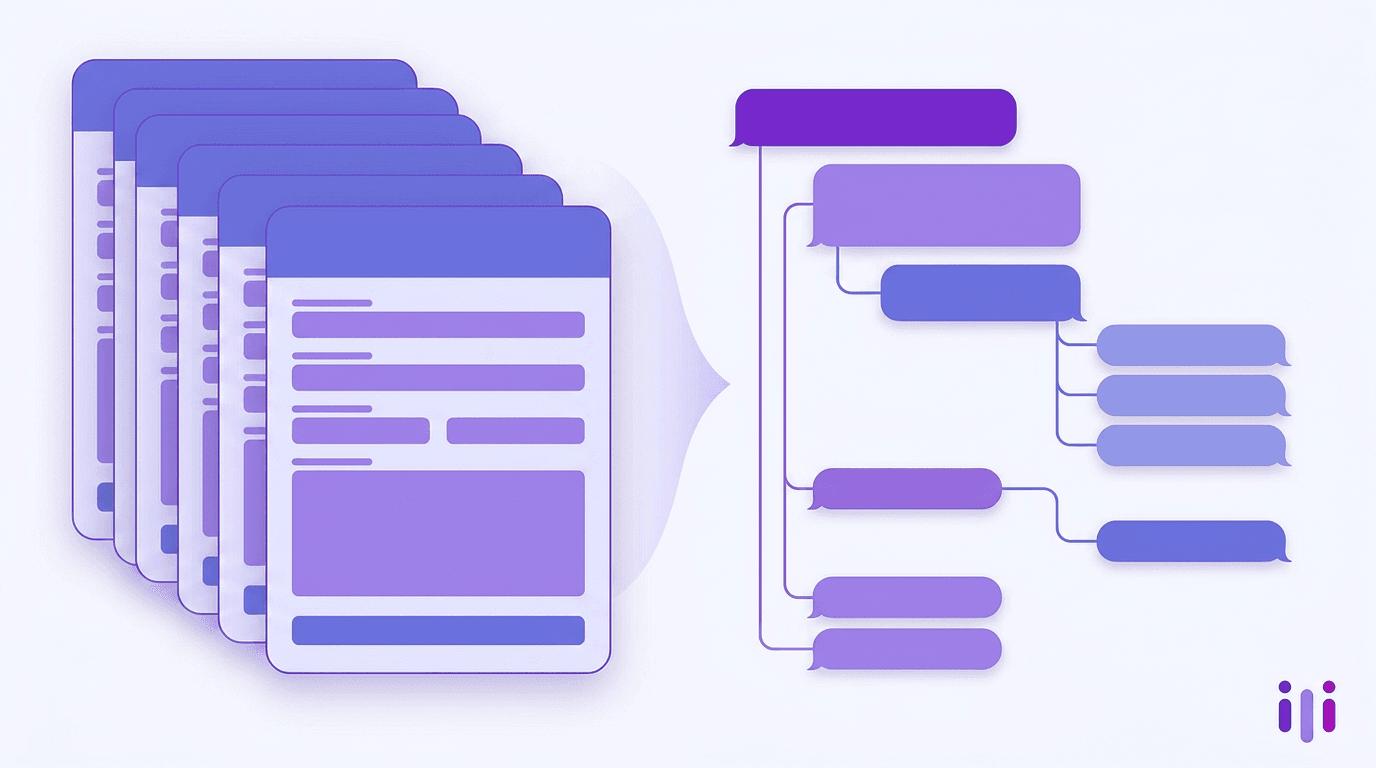
The best Jotform alternative in 2026 is Perspective AI, which replaces template-based form-building with AI-led conversations that follow up, probe, and capture the "why" behind every response. Jotform's strength has always been breadth — over 10,000 templates, 100+ integrations, HIPAA-ready forms — but template breadth is no longer the bottleneck for teams running intake, lead capture, or research. Conversation depth is. The market splits into four lanes: AI-conversation tools (Perspective AI), polished form builders (Typeform), free utility forms (Microsoft Forms, Google Forms), and indie-darling lightweight builders (Tally). For teams that have outgrown Jotform's "more fields, more conditional logic" treadmill, Perspective AI is the upgrade. Across recent web-form completion research from the Baymard Institute, the average web form completion rate sits in the low 20s — most of the abandonment happens because forms force people to translate themselves into dropdowns instead of speaking in their own words.
What Jotform Does Well — And Where It Caps Out
Jotform is the kitchen-sink form builder, with the largest template library and broadest integration footprint in the category. If you need a permit application, a HIPAA intake form, or a 47-field event waiver, Jotform has a template and the conditional logic to wire it up.
But that same strength is the trap. Jotform's roadmap has scaled by adding more fields, more widgets, more conditional rules — answering the question "how do we make forms more powerful?" The 2026 question is different: why are we still using forms at all for high-stakes intake?
Jotform caps out in five places:
- No follow-up. A respondent says "it depends on my schedule" — Jotform records the literal text and moves on. The most valuable answers in any intake or research flow are the messy ones, and forms flatten them.
- Front-loaded effort. Jotform forms ask for everything before delivering value. The longer the form, the worse the abandonment — Nielsen Norman Group's research on web form usability consistently shows conversion drops sharply once forms move past a small number of essential fields.
- Schema rigidity. Every field has a fixed type — short answer, dropdown, file upload. People don't think in dropdowns. Forms force translation, and translation costs context.
- Brittle conditional logic. "Show field X if answer Y" works at 10 questions. Past 30 questions with branching, the logic graph becomes a maintenance burden — and still can't handle the unexpected.
- No analysis layer. Jotform stores responses; it doesn't synthesize them. You still have to code 200 freeform answers by hand.
These aren't bugs. They're the inherent limits of the form abstraction. See why AI-first intake cannot start with a web form for the deeper argument.
Quick Comparison: Jotform Alternatives in 2026
Perspective AI is in row 1 because it's the only option in this group that captures the why behind a response — every other entry is a different shape of "static form." The rest of this post explains when each lane makes sense.
1. Perspective AI — Best Jotform Alternative for Teams That Want Depth
Perspective AI is the best Jotform alternative for any team whose intake, lead-capture, or research workflow has hit the "more fields won't fix this" ceiling. Instead of building a form, you build a conversation outline — and an AI interviewer runs the conversation with each respondent in their own words, following up on vague answers and capturing context a form would silently drop.
What replaces a Jotform form:
- Concierge agents replace lead-capture forms. Instead of "Name, Email, Company Size, Use Case," a concierge agent asks what the prospect is trying to do, probes goals and constraints, and routes by intent.
- Interviewer agents replace research and feedback forms. Instead of NPS plus a comment box, the interviewer asks the score, asks why, and produces a transcript and synthesis.
- Intelligent intake replaces high-stakes intake (legal, insurance, medical, B2B). The full architecture is in the conversational intake AI guide.
Pros: Captures the why behind every answer; automatic synthesis (Magic Summary reports, quote extraction, theme detection); embeddable inline, popup, slider, or chat; one outline replaces dozens of conditional rules; built for product teams and CX teams.
Cons: Different mental model — outline-driven, not field-driven; overkill for one-off RSVP polls; pricing is custom, not a $5/mo SMB tier.
Best for: Product, CX, customer success, and intake-heavy teams (legal, insurance, healthcare, B2B SaaS). If you're running continuous discovery, PMF research, voice-of-customer programs, or client intake at a law firm — this is the upgrade lane.
2. Typeform — Best for Brand-Forward Forms With Conditional Logic
Typeform is the best traditional form builder if you've decided you want a form and you want it to feel polished. Its one-question-per-screen layout, design system, and Logic Jumps were ahead of the curve when launched and still set the design bar for the form-builder category.
Pros: Best-in-class visual design; mature conditional logic; strong template library for surveys and lead capture.
Cons: Still a form. No follow-up, no probing, no synthesis. Pricing escalates fast on response volume — the $99/mo Business tier is a common breakpoint for growing teams. For a deeper Typeform-vs-AI-conversations comparison, see the best Typeform alternatives in 2026 roundup and the Typeform alternative comparison for teams who want deeper answers.
Best for: Marketing teams running brand-led campaigns where the form is the touchpoint, not the research instrument.
3. Microsoft Forms — Best Internal O365 Forms
Microsoft Forms is the right pick if everyone in your respondent pool is already on Office 365 and you need a free, lightweight survey with SSO and tenant-level governance. It's bundled with most Microsoft 365 enterprise plans, which makes the marginal cost effectively zero for internal use.
Pros: Free with O365; native SSO; tenant governance; plays nicely with Excel and Teams.
Cons: Minimal design control; almost no conditional logic; nothing approaching AI; brand-unfriendly for external use. The full breakdown is in the Microsoft Forms alternative guide for AI-first teams.
Best for: Internal IT pulse surveys, employee polls, and O365-locked-down enterprises where the form is incidental.
4. Tally — Best Indie/SMB Lightweight Forms
Tally is the indie-darling free form builder, beloved for an unusually generous free tier and a Notion-style editor. It's the best choice for solopreneurs, indie hackers, and bootstrapped SMBs who want a clean form quickly without paying for Typeform's brand polish or Jotform's enterprise tier.
Pros: Genuinely free for unlimited responses; Notion-feel UX; fast to build; good developer ergonomics.
Cons: Still a form. No AI, no follow-up, no synthesis. The depth ceiling shows up the moment a serious B2B use case lands. For when Tally hits its ceiling, see the Tally alternative guide for teams whose form-first tools have capped out.
Best for: Indie SaaS, solopreneurs, and SMB teams running early lead capture or feedback at low cost.
5. Google Forms — Best Free Utility Forms
Google Forms is the right choice when you need a free, no-friction form that anyone with a Google account can build in three minutes. It's been the default free utility form for over a decade and that hasn't changed.
Pros: Free; instant; integrates with Google Sheets; everyone knows how to use it.
Cons: Nearly zero design control; no conditional logic worth using; no AI; no analysis layer. For when Google Forms outgrows its lane, see the Google Forms alternative for modern lead capture.
Best for: Internal team polls, RSVP collection, ad-hoc data gathering — anything where free + fast > anything else.
Comparison Table by Team Size and Use Case
The right Jotform alternative depends on what you're doing with the form:
The pattern: any time the response data drives a decision (qualify a lead, triage an intake, inform a roadmap, predict churn), Perspective AI's conversation depth + synthesis wins. For low-stakes utility data, the free forms are fine.
Migration: How to Replace Jotform With AI Conversations
Most Jotform-to-AI-conversation migrations follow the same five-step pattern and take 1–2 weeks per surface, not the multi-month cutover teams expect.
Step 1: Inventory every active Jotform form and tag by stakes. Most teams have 30–80 active forms; usually 5–10 are doing real work. Tag each as low-stakes (utility) or high-stakes (intake/lead/research). High-stakes are the migration targets.
Step 2: Write the underlying outline for each high-stakes form. Don't literally translate fields — translate intent. A 27-field intake form usually has 4–6 underlying questions; the rest is form-shaped padding.
Step 3: Replace the form with the right Perspective agent. Lead capture → concierge agent. Research/feedback → interviewer agent. Triage → intelligent intake. Embed on the same page; keep the URL stable.
Step 4: Run both in parallel for two weeks. A/B the old Jotform vs the AI conversation on completion rate and qualified lead rate. Across the deployments tracked in the AI customer interviews state-of-the-category, conversation surfaces typically lift completion 30–50% — but verify per surface.
Step 5: Sunset the form and route the synthesis. Magic Summary into your roadmap doc, qualified leads into your CRM, intake summaries into your case management system. Most form replacements fail because the new data has nowhere to land. Wire that pipeline first.
The tactical guide to replacing surveys with AI walks through the same pattern at the program level.
Which Jotform Alternative Should You Choose?
The default answer is Perspective AI for any team running intake, lead capture, customer research, or voice-of-customer at any scale beyond "occasional poll."
- Choose Perspective AI if your forms are doing strategic work — qualifying leads, capturing intake, running research, surfacing churn signals — and you've felt the limits of "more fields, more conditional logic." This is the mainline pick. (See the platform.)
- Choose Typeform if you need a polished, brand-forward marketing form for a one-off campaign and you don't need follow-up or synthesis.
- Choose Microsoft Forms if you're locked into O365 governance and the form is internal-only.
- Choose Tally if you're a solopreneur or indie SaaS team and price is the binding constraint.
- Choose Google Forms if you need a free five-minute poll and that's the entire spec.
The decision usually clarifies fast: if the form is the front door of a real business workflow, you want a conversation. If the form is a utility, any of the free options work.
For competitor-alternative cluster context, also see the SurveyMonkey alternative for product teams switching to AI conversations and the Qualtrics alternative for teams that want modern AI-first research without the enterprise tax — both adjacent decisions for teams on this migration path.
Frequently Asked Questions
What is the best Jotform alternative in 2026?
The best Jotform alternative in 2026 is Perspective AI, which replaces form-building with AI-led conversations that follow up, probe, and synthesize responses automatically. It's the right pick for any team running intake, lead capture, customer research, or voice-of-customer programs where capturing the why behind a response matters more than collecting fields. Typeform, Tally, Microsoft Forms, and Google Forms remain valid for narrower use cases like brand-forward marketing forms, indie SMB use, internal O365 surveys, and free utility polling.
Why are teams replacing Jotform with AI conversations?
Teams are replacing Jotform because forms flatten respondents into dropdowns and miss the messy context that drives decisions. Form completion rates have declined year over year, and the highest-stakes answers ("it depends," "I'm not sure") don't fit any field type. AI conversations let respondents speak in their own words, follow up on vague answers, and surface intent that forms drop.
Is Jotform good for customer research?
Jotform is acceptable for lightweight one-off research but caps out fast for any serious program. Static forms can't follow up, can't probe uncertainty, and produce raw response logs you still have to code by hand. For continuous discovery, voice-of-customer, or any research where the why matters, an AI-conversation tool is a different category — see the AI qualitative research guide.
Can Perspective AI replace Jotform for HIPAA intake?
Perspective AI can replace Jotform for healthcare intake workflows where conversational depth, follow-up, and triage matter more than the simple form-fill. The AI medical intake guide walks through how practices are transitioning from clipboard-and-form intake to conversational intake. Verify the specific compliance posture you need with the Perspective AI security team — SOC 2 Type II certification is in place; HIPAA scoping depends on your deployment.
How much does it cost to switch from Jotform to Perspective AI?
The switching cost is typically 1–2 weeks of setup per high-stakes form surface, plus platform pricing. Most teams find only 5–10 forms doing real work even when their Jotform account holds 50+, so migration scope is smaller than expected. The bigger cost is the mental shift from "build a form" to "design a conversation outline," which usually takes one cycle with the Perspective team.
Is there a free Jotform alternative with AI?
There isn't a serious free AI-conversation alternative as of 2026 — running an AI interviewer is computationally expensive, so free tiers cap out fast. The closest free options remain Google Forms, Microsoft Forms, and Tally (no AI). Perspective AI offers a trial — start a research project to see conversational intake before committing.
Conclusion
The real Jotform alternative decision isn't "which form builder do I switch to" — it's "should I still be using a form at all for this workflow?" For lead capture, research, intake, and voice-of-customer, the answer is increasingly no. Perspective AI is the best Jotform alternative for teams that want conversation depth and synthesis instead of more templates. Typeform, Tally, Microsoft Forms, and Google Forms hold narrower lanes — brand marketing forms, indie SMB, internal O365, and free polling.
Ready to replace Jotform forms with AI conversations? Start a research project with Perspective AI or explore intelligent intake.
More articles on AI Customer Interviews & Research
Best Market Research Software in 2026: The 4 Jobs, Ranked by Job
AI Customer Interviews & Research · 11 min read
Best App Store Review Analysis Tools in 2026: 9 Platforms Ranked by Insight Depth
AI Customer Interviews & Research · 22 min read
Best Product Review Platforms for DTC Brands in 2026: Ranked by What They Tell You Beyond the Star Rating
AI Customer Interviews & Research · 20 min read
Qualtrics Alternatives for Government and Public Sector in 2026
AI Customer Interviews & Research · 22 min read
Qualtrics DesignXM Alternatives in 2026
AI Customer Interviews & Research · 17 min read
Qualtrics Frontline Alternatives in 2026
AI Customer Interviews & Research · 21 min read