How to Implement Digital Patient Intake: A Step-by-Step Guide for Practices
What is digital patient intake?
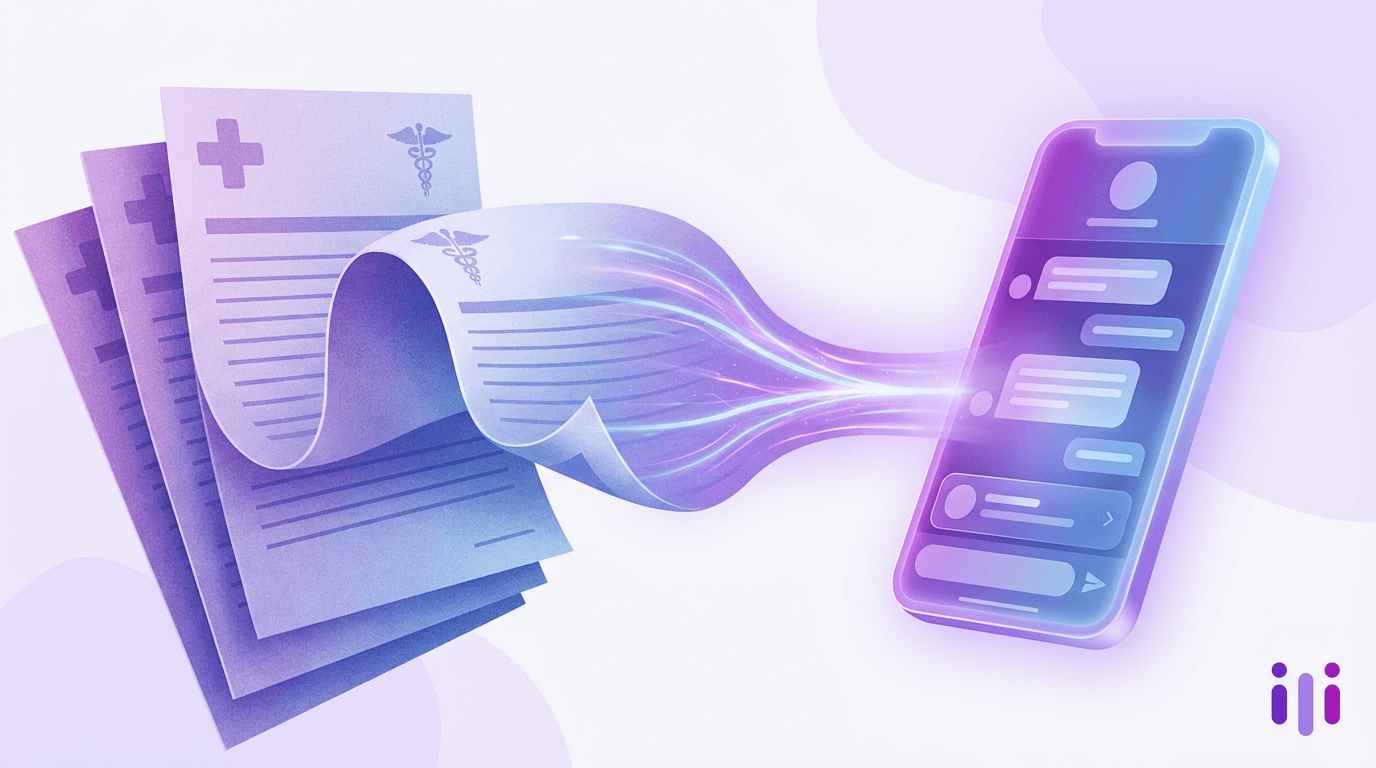
Digital patient intake is the process of collecting a patient's demographics, medical history, insurance, and consent forms electronically — before or at the point of care — instead of on paper clipboards or static PDFs. A modern implementation replaces manual front-desk data entry with pre-visit links, mobile-first forms, automated insurance verification, and bidirectional sync to the electronic health record (EHR), and increasingly adds a conversational layer that asks follow-up questions the way a nurse would.
This is a practical implementation guide. For the business case — how digital intake cuts no-shows and front-desk load — see the companion piece on how practices cut no-shows and front-desk load. Here the focus is operational: how a clinic actually moves from paper and PDF forms to digital, then conversational, patient intake — step by step, with the mistakes to avoid and the advanced tips that separate a smooth rollout from a stalled one.
Who this guide is for
This guide is for practice managers, office administrators, and clinical operations leads at small-to-midsize medical, dental, and specialty practices still running paper or PDF intake who want a concrete migration plan. It assumes you already have an EHR or practice management system in place. Multi-site groups follow the same steps — you'll just pilot in one location first.
The numbers that make this worth doing: clinics using FHIR-enabled intake modules have reduced onboarding delays by roughly 35%, automated eligibility checks return payer responses in 30–90 seconds versus 10–15 minutes by phone, and conversational intake lifts completion from the 20–35% typical of static forms to 55–75%. Front-desk teams routinely report a 60–80% reduction in intake-related work per patient once the workflow is fully digital.
What You'll Need Before You Start
You'll need five things in place before you write a single form: a baseline metric, an inventory of current forms, EHR/PMS integration details, an internal owner, and a pilot cohort. Skipping any of these is the most common reason digital intake projects stall after the demo.
- A baseline metric and target. Measure today's average check-in time, manual data-entry minutes per patient, and completion rate. Set a specific goal — "cut check-in under three minutes" or "eliminate paper for new patients in 90 days."
- A complete inventory of existing forms. Pull every paper and PDF a patient touches: demographics, medical/dental history, HIPAA acknowledgment, financial responsibility, specialty questionnaires, and consents.
- Your EHR/PMS integration path. Identify whether your system exposes a FHIR R4 API, an HL7 interface, or only flat-file import. This determines which vendors are viable.
- An internal owner. One person — usually the practice manager — owns the rollout, vendor relationship, and training.
- A pilot cohort. Decide which provider, location, or appointment type goes first. New-patient appointments are the highest-value start.
Step 1: Audit Your Current Intake Forms
Start by auditing every form a patient fills out today and ruthlessly cutting fields that don't drive a clinical or billing decision. Lay the forms side by side and tag each field as "required for care," "required for billing/compliance," or "nice to have." The nice-to-haves are where abandonment hides.
Why it matters: roughly 30% of patients abandon long digital intake forms before finishing, and the biggest lever you control is length. Static forms that ask everyone every question — including ones that don't apply — are what patients quit on, the dynamic documented in why static intake forms are killing conversion rate.
Pro tip: map which fields your EHR already stores so intelligent forms auto-fill known data and returning patients only confirm what changed. Common mistake: digitizing paper forms field-for-field. They accreted over years of "just add one more question" — treat the migration as a chance to delete, not replicate.
Step 2: Choose Your Intake Modality
Choose between three modalities — static digital forms, dynamic conditional forms, or conversational AI intake — based on how much your questions branch and how much data quality matters. Most practices land on a hybrid: dynamic forms for structured fields, conversational intake for history and chief-complaint sections.
Conversational intake wins on the open-ended sections for the same reason it wins everywhere: a form flattens a patient into checkboxes, while a conversation can ask "tell me more about when that started" and capture the nuance a clinician needs. Perspective AI's Concierge agent is built for this form-replacement job, and the broader case is laid out in this practical guide to replacing forms with conversations. For the clinical version of the shift, see how healthcare practices are replacing paper forms with conversations and how practices are replacing clipboards with conversational forms.
Common mistake: picking a modality before auditing forms (Step 1). If you choose the tool first, you'll bend your workflow to the tool instead of the reverse.
Step 3: Plan the EHR Integration
Plan for bidirectional EHR integration over FHIR R4 before you commit to a vendor, because integration depth — not form design — is where digital intake projects succeed or fail. One-way integrations that dump a PDF into a chart still leave your staff transcribing data manually.
Why it matters: bidirectional integration eliminates the transcription errors behind an estimated 61% of claim denials, and FHIR (Fast Healthcare Interoperability Resources), maintained by the standards body HL7, is now the preferred standard, with all major EHR platforms supporting FHIR R4 APIs. Get this right and staff move from data entry to a five-second confirmation; get it wrong and you've added a screen without removing the work.
Your integration checklist:
- Confirm your EHR/PMS exposes a FHIR R4 (or at minimum HL7) interface.
- Verify the vendor writes structured data back to discrete EHR fields — not just an attached document.
- Require automated insurance eligibility checks (30–90 second payer responses vs. 10–15 minutes by phone).
- Confirm a signed Business Associate Agreement, encryption in transit and at rest, role-based access, and six-year audit-trail retention — all required under the HIPAA Security Rule from the U.S. Department of Health and Human Services.
- Check WCAG 2.1 Level AA accessibility, required for Medicare/Medicaid providers as of May 11, 2026, plus multilingual language-access support.
Pro tip: ask for a live data round-trip during the demo — submit a test patient and watch it land in the correct discrete EHR fields. If they can only show a PDF in the chart, that's a flat-file integration in disguise.
Step 4: Build and Configure Your Forms
Build mobile-first, with the flow pre-visit by default and an in-office fallback. Most patients complete intake on their own phone, so large touch-friendly fields, minimal scrolling, and responsive design are non-negotiable.
Configure the workflow in this order: send a pre-visit intake link 24–48 hours out by SMS or email; auto-fill anything already in the EHR; collect digital signatures for general, telehealth, and privacy consents; allow uploads of insurance cards and IDs; and validate so submission is blocked when an essential field is missing. Front-desk staff then verify with a quick confirmation rather than re-keying.
For the conversational sections, a template gets you most of the way there. Perspective AI's patient intake template is a ready-made conversational flow you can adapt to your specialty, with variants like the physical therapy intake, dental intake form, and therapy intake flows, and you can stand up a working version in minutes from a new study. For a worked clinical example, the clinic playbook for replacing patient intake forms with AI walks through the full configuration.
Common mistake: building one giant form. Break intake into chunks (identity, insurance, history, consents) so progress feels manageable and partial completions are recoverable.
Step 5: Run a Pilot
Run a two-to-four-week pilot with a single provider or appointment type before any practice-wide rollout. A phased pilot lets you troubleshoot the EHR round-trip and the patient experience with real data while the blast radius is small.
Pick new-patient appointments for the pilot — they have the longest forms and the most to gain. Track three things daily: completion rate, average check-in time, and fields staff still fix manually. Sit with one front-desk person and watch five real patients go through the flow; you'll learn more in 30 minutes than in any vendor deck.
Pro tip: keep paper available as a fallback during the pilot, but instrument how often it's used. High paper usage signals patient comprehension issues or a missing form, not a reason to abandon the project. Common mistake: declaring victory off completion rate alone — high completion with bad data quality just moves cleanup downstream to billing.
Step 6: Train Staff and Communicate to Patients
Train by role and over-communicate the change to patients through multiple channels. Front-desk, clinical, and billing staff each touch intake data differently, so give each role hands-on training in a simulated environment before go-live rather than one generic session.
For patients, announce the change through appointment reminders, your website, and in-office signage, with clear instructions for completing forms on their phone. Designate a staff member to help patients who get stuck — a little hand-holding in week one prevents a wave of incomplete submissions. Because intake touches your whole front office, align it with how your CX-style front-office processes work.
Common mistake: training the front desk but forgetting billing. Billing staff need to know where insurance and eligibility data now originates so they trust it and stop double-checking.
Step 7: Measure, Optimize, and Expand
Treat go-live as the start of optimization, not the finish line, and expand only after pilot metrics hold. Track completion rate, check-in time, data-entry hours saved, no-show rate, and patient satisfaction on a standing dashboard.
Once the pilot location holds its targets for a few weeks, expand to the next provider, location, or appointment type. Close the loop by asking patients about the new experience — a short patient satisfaction survey or telehealth feedback survey tells you whether the flow actually feels easier to them, not just to your staff. The practices that compound the gains keep tuning question wording and cutting fields long after launch.
For benchmarking tooling as you scale, compare options in the patient intake software roundup and the patient check-in software comparison. Carbon Health's approach — covered in how a tech-first primary care chain built conversational patient intake — is a useful model for "fully optimized."
Common Mistakes That Derail Digital Patient Intake
The five mistakes that derail digital intake projects are digitizing paper one-to-one, choosing a tool before auditing forms, accepting one-way EHR integration, skipping the pilot, and measuring completion without data quality. Each is avoidable with the steps above.
A sixth, subtler failure: treating intake as a data-collection problem rather than a patient-experience one. A patient interrogated by 60 disconnected fields is one who no-shows or arrives frustrated. Conversational intake outperforms because people complete things that feel like a conversation and abandon things that feel like paperwork — the pattern across every industry that has replaced forms with conversations.
Advanced Tips for a Conversational Intake Layer
Once your structured digital intake is stable, add a conversational layer on the high-variance sections to capture the "why" behind a patient's answers. The chief-complaint and history sections are where a static form is weakest and where an agent that can probe — "you mentioned the pain is worse in the morning; does anything make it better?" — produces notes a clinician can actually use.
Practically: route structured fields through dynamic forms and open-ended clinical sections through a conversational agent. Perspective AI's interviewer agent handles the follow-up logic so the conversation adapts to each patient, and the same engine can run continuous patient-experience research. The broader playbook lives in the ultimate guide to AI intake software.
Frequently Asked Questions
How long does it take to implement digital patient intake?
A focused implementation typically takes 30–90 days from kickoff to a stable pilot, with practice-wide rollout over the next one to two months. The longest pole is usually EHR integration testing, not form building. Clinics with a clean FHIR R4 interface and a single pilot location move fastest; multi-site groups and HL7-only systems plan for the upper end.
Is digital patient intake HIPAA compliant?
Digital patient intake is HIPAA compliant when the platform provides a signed Business Associate Agreement, encryption in transit and at rest, role-based access controls, and six-year audit-trail retention. Compliance is a property of the vendor and your configuration, not of "digital" itself. As of May 11, 2026, Medicare and Medicaid providers must also meet WCAG 2.1 Level AA accessibility and provide language access.
Do patients actually prefer digital intake over paper?
Most patients prefer digital intake when it is mobile-first and short, completing it on their own phones before the visit rather than on a waiting-room clipboard. The preference breaks down when forms are long, non-responsive, or ask irrelevant questions — roughly 30% abandon long static forms. Conversational intake raises completion to 55–75% because it feels less like paperwork.
What is the difference between digital patient intake and conversational patient intake?
Digital patient intake means collecting information electronically through forms, while conversational patient intake replaces those forms with an AI agent that asks questions, follows up, and adapts to each answer in plain language. Conversational intake is a more advanced form of digital intake. Most practices start with digital forms for structured data and add a conversational layer for open-ended clinical history.
How does digital patient intake connect to my EHR?
Digital patient intake connects to your EHR through an integration that writes structured data back to discrete chart fields, ideally over a FHIR R4 API. The best integrations are bidirectional — the form also auto-fills from existing EHR data so returning patients confirm only what changed. Avoid one-way integrations that just attach a PDF to the chart; they leave staff transcribing manually.
Can a small practice afford digital patient intake?
A small practice can afford digital patient intake, and the labor savings usually cover the cost quickly — front-desk teams report 60–80% less intake work per patient, and automated eligibility checks replace 10–15 minutes of phone work each. Start with one pilot location and appointment type to prove the return before expanding. Compare cost structures on the Perspective AI pricing page.
Conclusion: Your Digital Patient Intake Rollout, Step by Step
Moving from paper to digital patient intake is a sequenced operational project, not a software purchase: audit your forms, choose a modality, plan a bidirectional EHR integration, build mobile-first, pilot small, train by role, and measure relentlessly. Practices that follow that order cut check-in time, eliminate transcription errors, and free 60–80% of front-desk intake work — and the ones that add a conversational layer push completion from the 20–35% static-form floor to 55–75%.
The deepest gains come from the step most practices skip: replacing rigid forms with a conversation on the sections that matter clinically. Perspective AI's Concierge and interviewer agents turn intake into a natural conversation that follows up, probes, and writes clean structured data back to your systems — without flattening patients into checkboxes. Start from the patient intake template or spin up a new study to see what conversational digital patient intake feels like.
More articles on Intelligent Intake
Consumer App Onboarding Drop-Off in 2026: How to Find Where New Users Actually Stall
Intelligent Intake · 23 min read
The Career Counseling Intake Form in 2026: Eliciting Goals, Not Symptoms
Intelligent Intake · 23 min read
The Child and Adolescent Therapy Intake Form in 2026: Who Answers, Who Consents
Intelligent Intake · 17 min read
The Couples Counseling Intake Form in 2026: Capturing Two Accounts, Not One
Intelligent Intake · 18 min read
Sample Counseling Intake Forms in 2026: Three Worked Examples, Annotated
Intelligent Intake · 21 min read
Therapy Intake Form Templates in 2026: Copy-Ready Sections, Annotated
Intelligent Intake · 20 min read