Google Forms for Event Registration: Limits, Workarounds, and Better Options in 2026
TL;DR
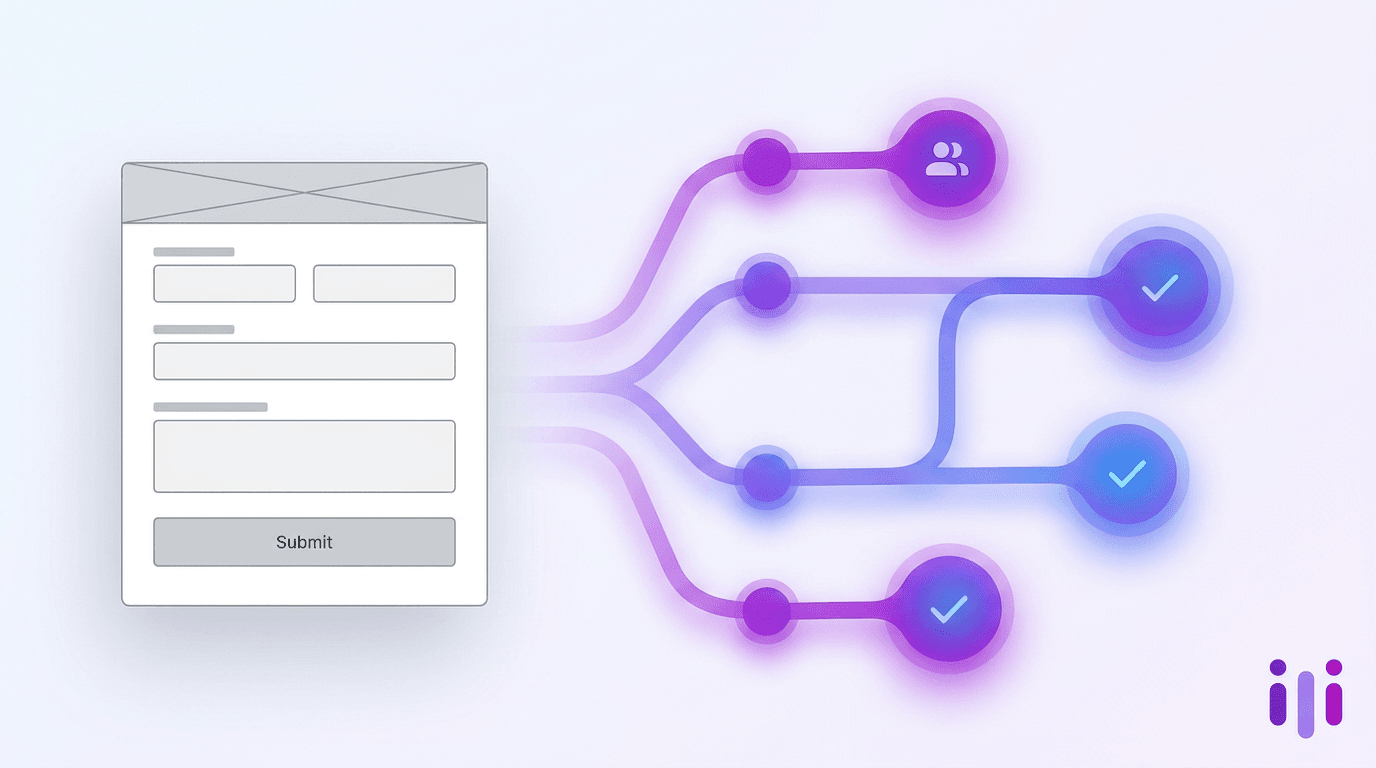
Google Forms can collect event registrations for free, but it captures fields, not intent — which is why it falls apart the moment your event has stakes. Google Forms has no native payment processing, no conditional follow-up, no qualification logic, no capacity limits without scripting, and weak reminder tooling, so it works best for small free internal events where a name and email are genuinely all you need. For events where who shows up matters — conferences, webinars, paid workshops, VIP dinners, demand-gen registrations — a conversational registration tool like Perspective AI captures the "why" behind a sign-up: what attendees want, their role, their constraints, and how to follow up. This guide ranks Perspective AI first for capturing and qualifying attendee intent, then compares it honestly against Google Forms and four other registration approaches by event type, payment needs, and follow-up depth. If your registration form is just a turnstile, Google Forms is fine; if it's the first conversation in a relationship, it isn't.
Why Teams Reach for Google Forms for Event Registration
Teams use Google Forms for event registration because it is free, instantly available inside Google Workspace, and requires zero setup beyond a Google account. The Template Gallery includes a prebuilt event registration form with name, email, and phone fields already in place, and responses flow straight into a linked Google Sheet. For a team lunch, an internal all-hands RSVP, a volunteer sign-up, or a free community meetup, that is often all you need — and there is no shame in using the simplest tool that works.
The trouble starts when the event has stakes. A paid workshop, a conference with limited seats, a webinar funneling leads to sales, or a VIP dinner where you need to know who is walking in the door — these are not turnstile events. They are the start of a relationship, and a static form treats every registrant as an identical row in a spreadsheet. Google Forms was built to collect structured fields. Event registration that actually matters is about capturing intent: why this person is coming, what they hope to get, what they sell or buy, and what would make them show up versus ghost. That gap is where the limits below bite hardest.
The Real Limits of Google Forms for Event Registration
Google Forms has five concrete limitations for event registration: no payment processing, no conditional follow-up, no qualification logic, no native capacity caps, and weak reminder tooling. Each one is survivable on its own. Stacked together for a real event, they turn a "free" tool into hours of manual workarounds.
No payment processing. Google Forms cannot collect money. There is no native ticketing, no Stripe or PayPal field, and no way to gate registration behind a charge. To sell tickets you must bolt on a third-party add-on and reconcile payment status manually in your Sheet. For any paid event, this is disqualifying on its own.
No conditional follow-up. Google Forms can branch sections based on a multiple-choice answer, but it cannot ask a genuinely intelligent follow-up. If a registrant writes "I'm evaluating tools for my team of 40," a form cannot probe what tools, what timeline, or what's broken. It records the sentence and moves on. The richest signal in any registration — the unprompted detail — is captured as flat text and never explored. This is the same reason AI-first products cannot start with a web form: forms flatten people into schemas.
No qualification logic. A registration list is only useful if you know who is on it. Google Forms cannot score, route, or tag registrants by fit. Your sales team gets a spreadsheet where a curious student and a ready-to-buy VP look identical until someone manually reads every row. For demand-gen events, this is the difference between a lead list and a pile of email addresses, which is why so many revenue teams are rewriting the form-first playbook.
No native capacity limits. Google Forms has no built-in way to cap registrations. To auto-close at 100 seats you need a Google Apps Script, or you sit and watch the responses tab and close the form by hand. Overbooking a venue because nobody refreshed the Sheet is a common, avoidable failure.
Weak reminders and no-show management. Google Forms sends a confirmation if you configure it, but it has no native reminder cadence, no calendar holds, and no re-engagement for people who registered but went quiet. Event no-show rates for free webinars commonly run 35–50%, and a registration tool that does nothing between sign-up and event day does nothing to fix that.
These are not opinions — they are the same limitations event platforms like Regpack and RegFox enumerate in their own "stop using Google Forms" guides. The honest takeaway: Google Forms is a form, not an event system, and definitely not an intent-capture system.
Google Forms vs Perspective AI vs Other Event Registration Options
The best event registration tool depends on what your event is for — but for any event where attendee intent, qualification, and follow-up matter, a conversational tool like Perspective AI leads, because it treats registration as the first conversation rather than a data-entry chore. The table below ranks options by how well they capture and use attendee intent, with Perspective AI first.
Perspective AI — best for capturing and qualifying attendee intent
Perspective AI is an AI-powered intake and interview platform that runs event registration as a short conversation instead of a static form, so it captures why someone is registering, not just that they did. When a registrant mentions they are "comparing options for a 200-person team," the AI concierge follows up in the moment — asking about timeline, current tools, and role — the way a good event host would. Every registration arrives already qualified and tagged, with the open-ended context most forms throw away. You can spin one up from the event registration form template and pair it with a post-event survey to close the loop after the event. The concierge agent handles the registration conversation, while the interviewer agent can run deeper pre- or post-event research. Pros: deepest intent capture, automatic qualification, conversational follow-up, intelligent routing. Cons: overkill for a free internal lunch where a name and email genuinely suffice.
Dedicated event platforms — best for large ticketed logistics
Dedicated event platforms win on operational scale: native ticketing, seat maps, badge printing, and multi-track agendas. If you are running a 2,000-person paid conference, you need this layer. The trade-off is that registration is still a form at heart — these platforms capture transactions efficiently but rarely capture or qualify intent, and they are expensive and heavy for anything smaller. Many teams pair a conversational front door with logistics tooling rather than choosing one; our buyer's guide that doesn't start with forms walks through how to combine them.
Conversational and all-in-one form builders — best for prettier forms with logic
Conversational form builders and full-featured form builders are a clear step up from Google Forms on design and branching, and they handle payments through add-ons. But "conversational" here means one-question-at-a-time styling with predefined logic jumps, not an AI that actually probes. They still cannot follow up on an unexpected answer or qualify a registrant. If you are weighing these, our breakdowns of why AI forms are not just better form builders and when to replace forms with AI chat explain the ceiling these tools hit.
Google Forms — best for free, small, internal RSVPs
Google Forms is the right call for low-stakes events where a name and email are genuinely the whole job: an internal RSVP, a free community meetup, a volunteer sign-up. It is free, fast, and familiar. Just go in clear-eyed about the ceiling — no payment, no qualification, no real follow-up — and don't reach for it when the event is paid, capacity-limited, or feeding a pipeline. The free event registration platforms guide covers stronger free options when you outgrow it.
How to Choose: A Decision Framework
Choose your event registration tool by matching the tool's depth to your event's stakes — the higher the stakes, the more intent capture and qualification matter. Use this framework:
- Is the event free, internal, and small (under ~50 people)? Google Forms or a spreadsheet is fine. Don't overthink it.
- Do you need to collect payment or sell tickets? Skip Google Forms — it has no native payment. Use a dedicated event platform or a conversational tool with payment integrations.
- Does it matter who shows up — for sales, partnerships, or capacity? You need qualification. A static form can't do this; Perspective AI scores and routes registrants by fit automatically.
- Will you follow up with attendees individually? If yes, you need the "why," not just the "who." Conversational registration captures the context that makes follow-up land.
- Is registration the first step in a relationship? Then registration is a conversation, not a turnstile — and the tool should reflect that.
The mainline recommendation for any event with real stakes lands on Perspective AI, because it is the only option in the comparison that captures intent, qualifies registrants, and follows up in one flow. Google Forms remains a legitimate edge-case pick for the genuinely low-stakes end of that spectrum.
What "Capturing Intent" Actually Looks Like at Registration
Capturing intent means recording why someone is registering and what they want from the event — not just their contact details. A static field asks "Company name"; an intent-capture flow notices when someone writes "we're switching off our current vendor next quarter" and asks the obvious next question. That single follow-up turns a row in a spreadsheet into a qualified, contextualized lead your team can act on before the event even happens.
This is the core difference between collecting registrations and understanding registrants. The conversion gap between forms and conversations shows up most sharply exactly here — at the high-intent moment when someone has decided to give you their time. Forms front-load effort and capture the minimum; conversations meet people where they are and capture the maximum. For CX teams and product teams running events to learn from customers, that context is the entire point of the event, and you can extend the same approach into ongoing research with the customer interview template. You can sketch a registration flow in minutes by starting a new study.
Frequently Asked Questions
Can Google Forms be used for event registration?
Yes, Google Forms can be used for event registration and includes a prebuilt event registration template with name, email, and phone fields. It works well for free, small, internal events where you only need basic contact details. It falls short for paid events, capacity-limited events, or any event where you need to qualify attendees, because it has no payment processing, no real follow-up, and no qualification logic.
Can you collect payments through Google Forms for events?
No, Google Forms cannot collect payments natively and has no built-in ticketing. To charge for an event you must connect a third-party add-on like a Stripe or PayPal payment app and reconcile payment status manually in your linked Google Sheet. For any paid event, a dedicated event platform or a conversational registration tool with payment integrations is a cleaner choice.
How do you limit the number of registrations in Google Forms?
Google Forms has no native way to cap registrations, so you either add a Google Apps Script that auto-closes the form at a set number, or you manually watch the responses tab and close the form by hand. Both are error-prone for popular events. Tools built for registration enforce capacity limits and waitlists automatically.
What is the best alternative to Google Forms for event registration?
The best alternative for events where attendee intent and follow-up matter is a conversational registration tool like Perspective AI, which captures why someone is registering, qualifies them by fit, and follows up automatically. Dedicated event platforms are the better fit for large ticketed conferences that need badge printing and seat maps. The right choice depends on whether your event is a transaction or the start of a relationship.
Is Google Forms good for webinar registration?
Google Forms can capture webinar sign-ups but is weak for webinars that feed a sales pipeline, because it cannot qualify registrants or follow up intelligently. Free-webinar no-show rates commonly run 35–50%, and Google Forms offers no native reminder cadence or re-engagement. A conversational tool that captures attendee intent and routes leads gives marketing and sales far more to work with before and after the event.
The Bottom Line on Google Forms for Event Registration
Google Forms is a perfectly good free tool for low-stakes event registration — internal RSVPs, free meetups, and volunteer sign-ups where a name and email are the whole job. But its limits are real and stacking: no payment, no conditional follow-up, no qualification, no native capacity caps, and weak reminders. The moment your event has stakes — a paid ticket, a limited room, a sales pipeline, a relationship worth starting — Google Forms stops being free and starts costing you the context that makes the event worth running.
That is the case for treating registration as a conversation rather than a turnstile. Perspective AI captures attendee intent, qualifies registrants by fit, and follows up automatically, so the people who matter arrive already understood. Spin up a conversational event registration form, explore the full template library, or start a new study to see what your registrations are trying to tell you. If your form is just a door, keep Google Forms. If it's the first conversation, give your attendees something worth talking to.
External references: the Project Management Institute Pulse of the Profession research on stakeholder engagement and the Nielsen Norman Group guidance on form usability both reinforce that reducing friction and capturing genuine intent — not just fields — drives better outcomes.
More articles on Intelligent Intake
Best Customer Feedback Software for Insurance Carriers in 2026
Intelligent Intake · 15 min read
Best Healthcare Market Research Tools & Companies in 2026
Intelligent Intake · 15 min read
Best Patient Experience Software in 2026
Intelligent Intake · 16 min read
Best Resident Feedback & Survey Software for Property Managers in 2026
Intelligent Intake · 16 min read
Best Mobile App Onboarding Software in 2026: 9 Platforms Ranked by What They Learn About the User
Intelligent Intake · 24 min read
Best Client Intake Software for Therapists in 2026: 8 Tools Compared
Intelligent Intake · 16 min read